View reconciliations
You can view reconciliations in the Reconciliation overview:
Assigned to me – The summary of reconciliation items assigned to you.
Open reconciliations – The summary of all pending reconciliation items in the system and reconciliation items by data source.
Upcoming reconciliations – Upcoming reconciliation data that will be received by the system according to the schedule.
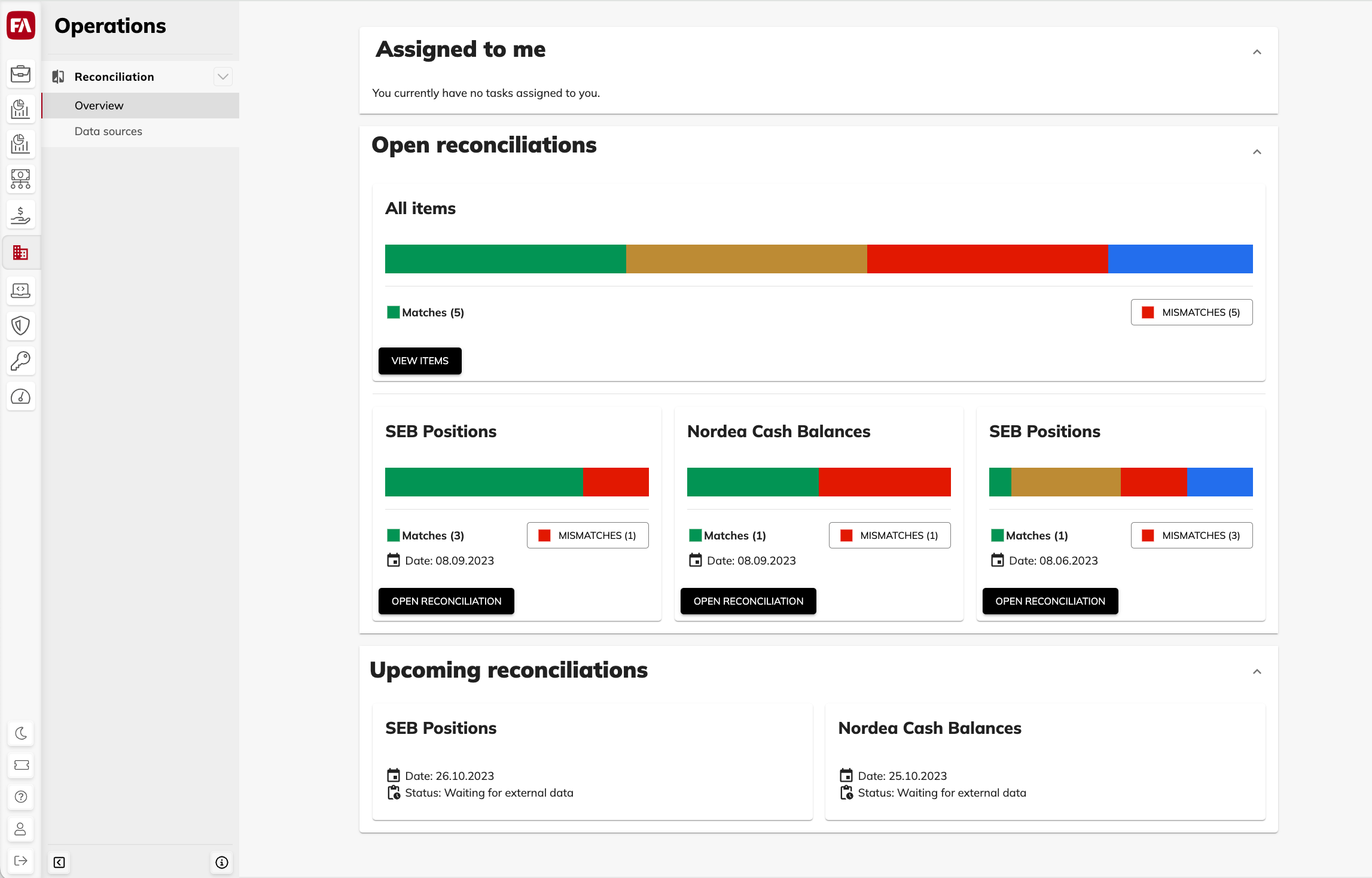 |
View items
To open the list of items in any section, click View items. The table features the following columns (you can use the columns for sorting the rows):
- Type
The type of the reconciliation item: position or cash account.
- Status
The reconciliation result:
Match – The data in the source and in the system are the same.
Mismatch – The data in the source differs from the data in the system: the item is missing in the source or in the system or one of the amounts doesn't match.
Fixed – The reconciliation item was marked as solved.
Not processed – The item reconciliation is in progress.
- Portfolio
The portfolio containing the position or cash account. Depending on the data source settings, portfolios can be identified with a portfolio name, short name, external ID, or book entry.
If a cash account is used in multiple portfolios, the Portfolio field is empty. The amounts from all portfolios are summed up.
- Security
The security of the portfolio position. Depending on the data source settings, securities can be identified with the ISIN code, security code, trade code, update code, or security name.
- Account
Cash account number.
- Assignee
The assignee of the mismatch.
- System amount
Position amount or account balance in the system.
- Source amount
Position amount or account balance in the external source.
- Amount diff
The difference between the source and system amount.
- Comment
Comment on the mismatch.